Guide Lists
Guide lists allow you to manually or dynamically create themed lists of guides.
Guide List
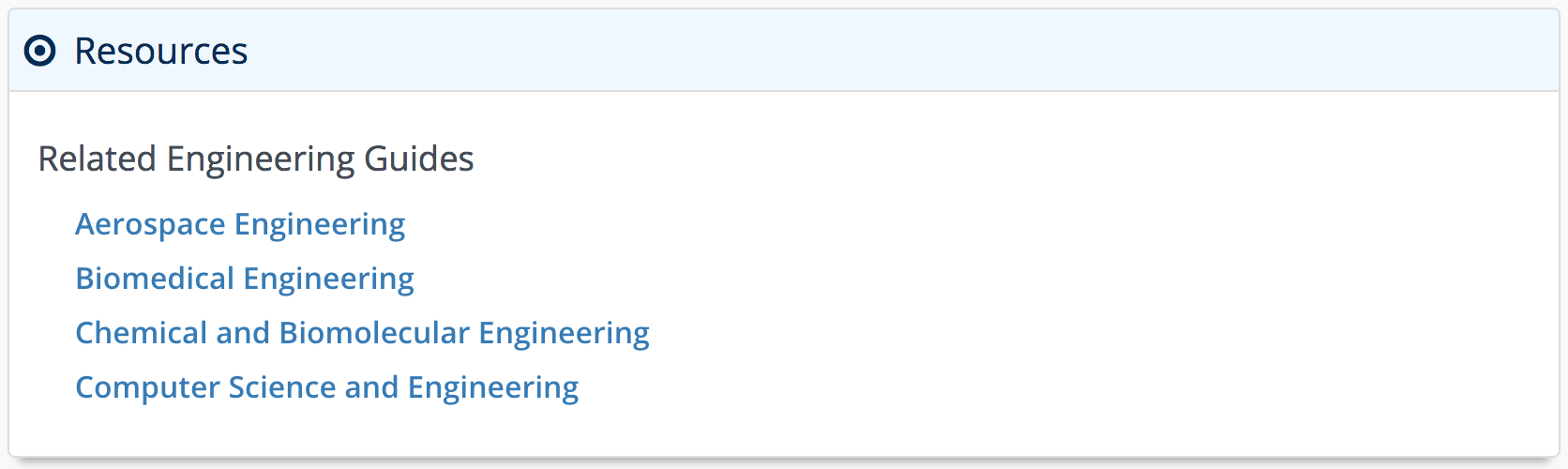
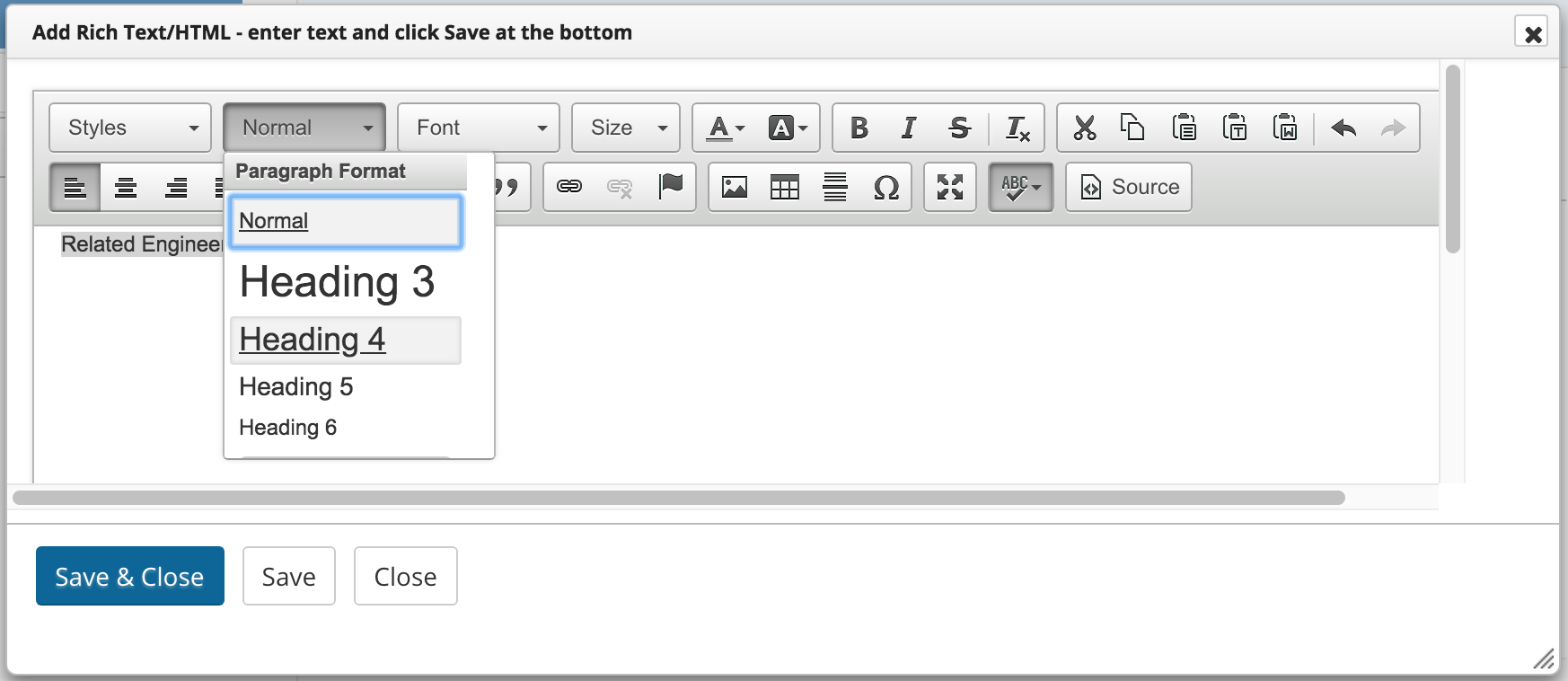
A guide lists gathers multiple guides under a single system component. Guides may be ordered manually or dymanically by subject, user, or group. You may also wish to add a header (<h4>) above the guide list.
Requirements – Manual
Follow these steps to ensure the minimum requirements when adding your guide list.
Manually-selected Guides
| 0 | Click on the Add / Reorder dropdown and select Guide List. |
| 1 | Select Manually Selected Guides from the List type dropdown. |
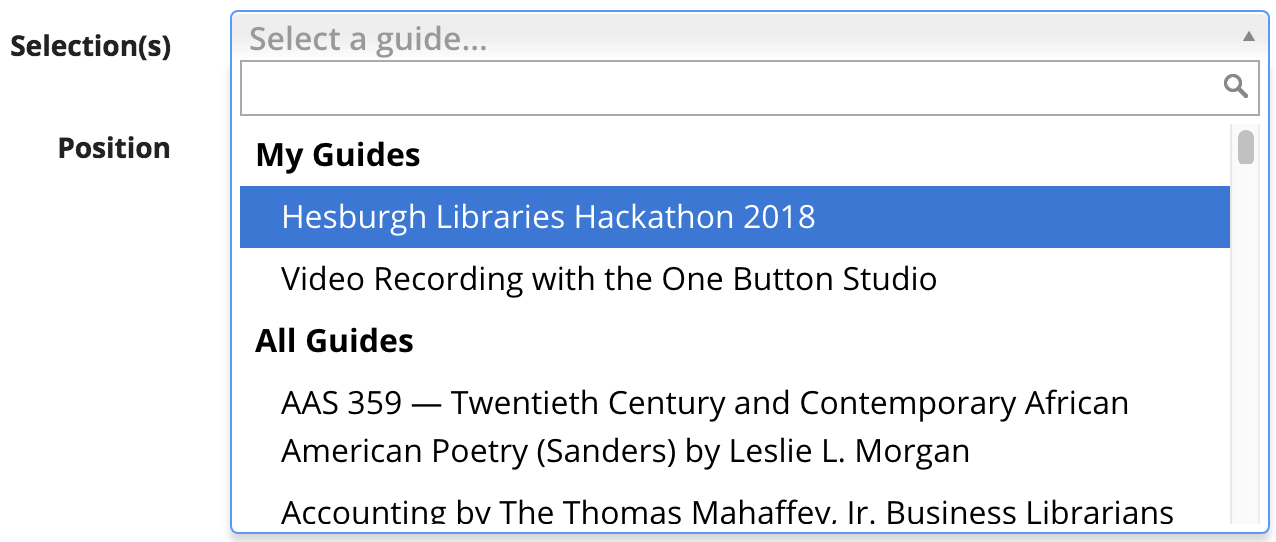
| 2 | Select a guide to add to your list from the Selection(s) dropdown. Repeat this step until you have added all required guides. |
| 3 | Click Save |
| Add a Rich Text / HTML content item above your guide list with a descriptive header, such as "Related Engineering Guides," etc. Optional |
Requirements – Dynamic
Dynamically-selected Guides
| 0 | Click on the Add / Reorder dropdown and select Guide List. |
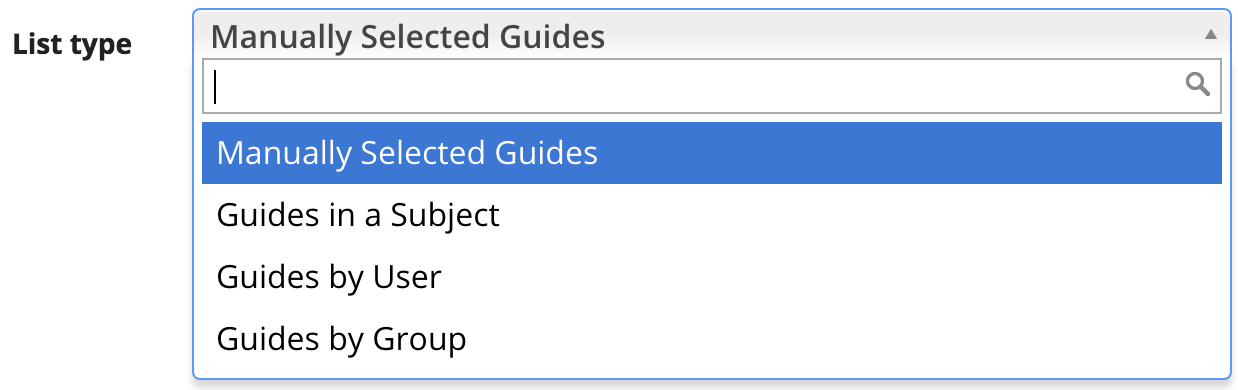
| 1 | Select Guides in a Subject, Guides by User, or Guides by Group from the List type dropdown. |
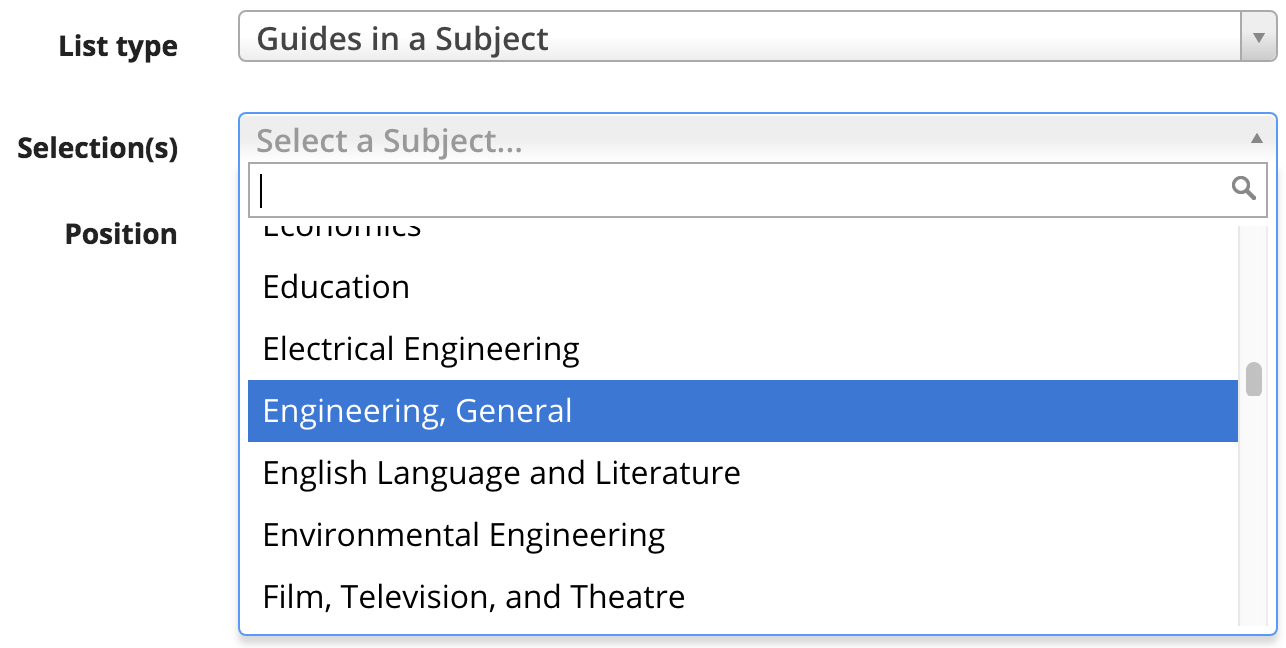
| 2 | Select a criterion to build your list from the Selection(s) dropdown. |
| 3 | Click Save |
| Add a Rich Text / HTML content item above your guide list with a descriptive header, such as "Related Engineering Guides," etc. Optional |